



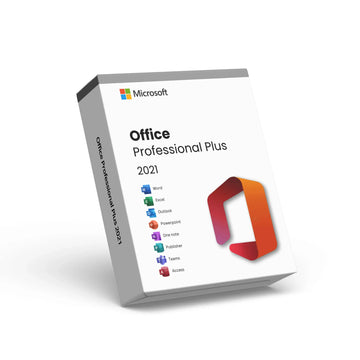


Microsoft Word 2021 – Genuine Digital License Key & Instant Delivery

Microsoft Word 2021 – Genuine Digital License Key & Instant Delivery
Microsoft Word 2021 – Professional Word Processing Software License
Create, edit, and share documents with confidence using Microsoft Word 2021, the industry‑leading word processing software trusted by professionals, students, and organizations worldwide. With this product, you’ll receive a genuine Microsoft Word 2021 license key delivered instantly by email — no physical media is required.
Word 2021 combines a familiar interface with powerful features that help you produce polished documents, reports, letters, resumes, and more. Whether you’re working on academic projects, business documentation, or creative writing, Word 2021 provides the tools you need to work efficiently and professionally.
📌 Key Features
📄 Rich word processing tools for creating professional documents
📝 Smart editing and proofreading features including spell check and grammar tools
🔗 Seamless integration with other Office applications
📊 Support for images, tables, charts, and multimedia within documents
📬 Instant email delivery of your license key with activation instructions
After purchase, your Word 2021 activation key will be sent instantly by email, along with step‑by‑step instructions to download and activate your software. With a one‑time license purchase, Microsoft Word 2021 gives you full access to powerful document creation tools without ongoing subscription fees.
Choose Microsoft Word 2021 for a cost‑effective, reliable solution that helps you generate high‑quality documents with ease.
Why Choose Premium?



Discover more in our FAQ
How do I receive my software key?
After purchasing, your software key will be delivered directly to your email. Please ensure you enter the correct email address during checkout.
Can I download the software directly from your website?
No, we provide official download links from the software provider, such as Microsoft. This ensures you’re installing the software directly from a trusted source.
How do I download and install the software?
Once you’ve received your software key:
- Use the official download link provided in your email.
- Follow the on-screen instructions to install the software.
- Enter the software key when prompted to complete the activation process.