



Microsoft Visio Standard 2019 | Genuine Digital License Key | Instant Delivery
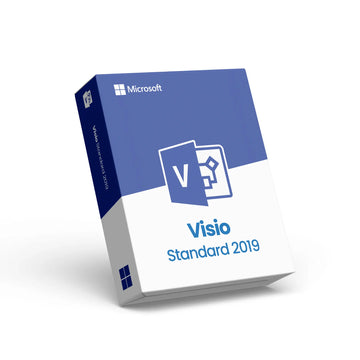
Microsoft Visio Standard 2019 | Genuine Digital License Key | Instant Delivery
Microsoft Visio Standard 2019 – Digital License for Professional Diagramming
Unlock the power of professional diagramming with Microsoft Visio Standard 2019, a versatile diagram creation tool designed for users who need to visualize workflows, processes, and organizational data with clarity. This product includes a genuine digital license key delivered instantly via email after purchase — no physical media required.
With Visio Standard 2019, you can easily create flowcharts, organizational charts, network diagrams, and basic maps using a wide selection of ready-made templates, smart connectors, and customizable shapes. The intuitive Office-style interface lets both beginners and experienced users quickly design professional visuals that communicate complex ideas.
📌 Key Features
📊 Professional diagram creation with templates for flowcharts, charts, timelines, and more.
🧠 Smart connectors & auto-alignment for neat, organized visuals.
🎨 Themes & styles to quickly polish designs with professional flair.
🔄 Flexible export options (PDF, PNG, SVG) for easy sharing.
💻 Perpetual one-time license with no subscription required.
After purchase, the activation key is sent instantly by email with clear instructions for download and activation. Visio Standard 2019 provides a one-time purchase digital license for installation on one PC, with ongoing use and access to diagramming tools without recurring fees.
Whether you’re planning workflows, mapping IT networks, designing building layouts, or creating business visuals, Visio Standard 2019 gives you the tools to bring your ideas to life quickly and professionally.
Why Choose Premium?



Discover more in our FAQ
How do I receive my software key?
After purchasing, your software key will be delivered directly to your email. Please ensure you enter the correct email address during checkout.
Can I download the software directly from your website?
No, we provide official download links from the software provider, such as Microsoft. This ensures you’re installing the software directly from a trusted source.
How do I download and install the software?
Once you’ve received your software key:
- Use the official download link provided in your email.
- Follow the on-screen instructions to install the software.
- Enter the software key when prompted to complete the activation process.