








Microsoft Visio Standard 2010 – Genuine Digital License Key & Instant Delivery
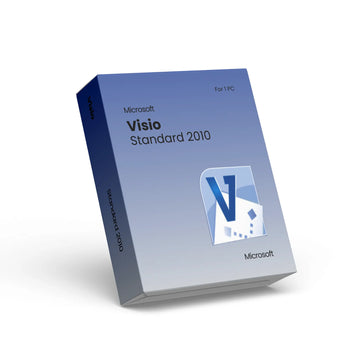
Microsoft Visio Standard 2010 – Genuine Digital License Key & Instant Delivery
Microsoft Visio Standard 2010 – Digital License for Professional Diagramming
Enhance your diagramming productivity with Microsoft Visio Standard 2010, a reliable and easy-to-use tool for creating flowcharts, organization charts, floor plans, and other visual diagrams. This product provides a genuine digital license key delivered instantly by email after purchase — no physical media required.
Visio Standard 2010 offers intuitive tools and templates that help you turn complex ideas into clear visuals. It’s suitable for individual users and small teams who need a solid diagramming solution without the complexity of more advanced editions. Visio supports both 32-bit and 64-bit systems and installs easily with step-by-step activation guidance.
📊 Key Features
🗂️ Easy diagram creation with drag-and-drop shapes and multiple templates
📈 Core diagram types such as flowcharts, organization charts, and office layouts
🎨 Customizable visuals to tailor diagrams to your needs
📥 Instant delivery of license key via email with activation instructions
💻 Compatible with supported Windows operating systems
After purchase, you receive your activation key instantly and full instructions to download and install Visio Standard 2010. Visio enables you to visually map information, clarify ideas, and communicate with impact in business or personal projects.
Take your diagramming to the next level with a fast-activating, genuine Microsoft Visio Standard 2010 digital license key.
Why Choose Premium?



Discover more in our FAQ
How do I receive my software key?
After purchasing, your software key will be delivered directly to your email. Please ensure you enter the correct email address during checkout.
Can I download the software directly from your website?
No, we provide official download links from the software provider, such as Microsoft. This ensures you’re installing the software directly from a trusted source.
How do I download and install the software?
Once you’ve received your software key:
- Use the official download link provided in your email.
- Follow the on-screen instructions to install the software.
- Enter the software key when prompted to complete the activation process.